Ortho From Home. Fewer Visits. Smarter Monitoring.
A Smarter Way to Monitor Your Smile at MVP Smiles
Orthodontic care just got easier. With Grin remote monitoring, our Invisalign patients can check in with us from home.
No extra office visits. No guessing how things are going.
How It Works
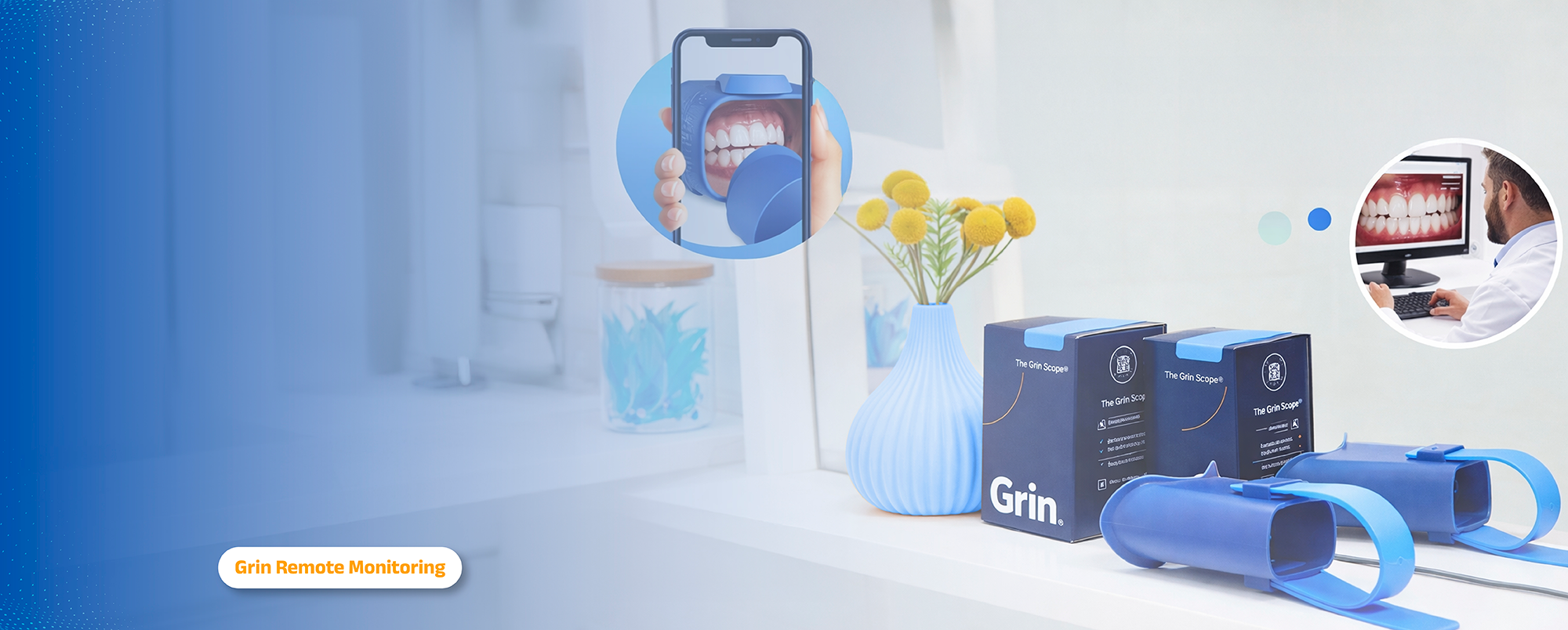
You receive a small Grin scope at the start of treatment
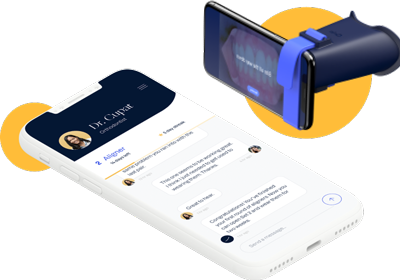
It connects to your smartphone
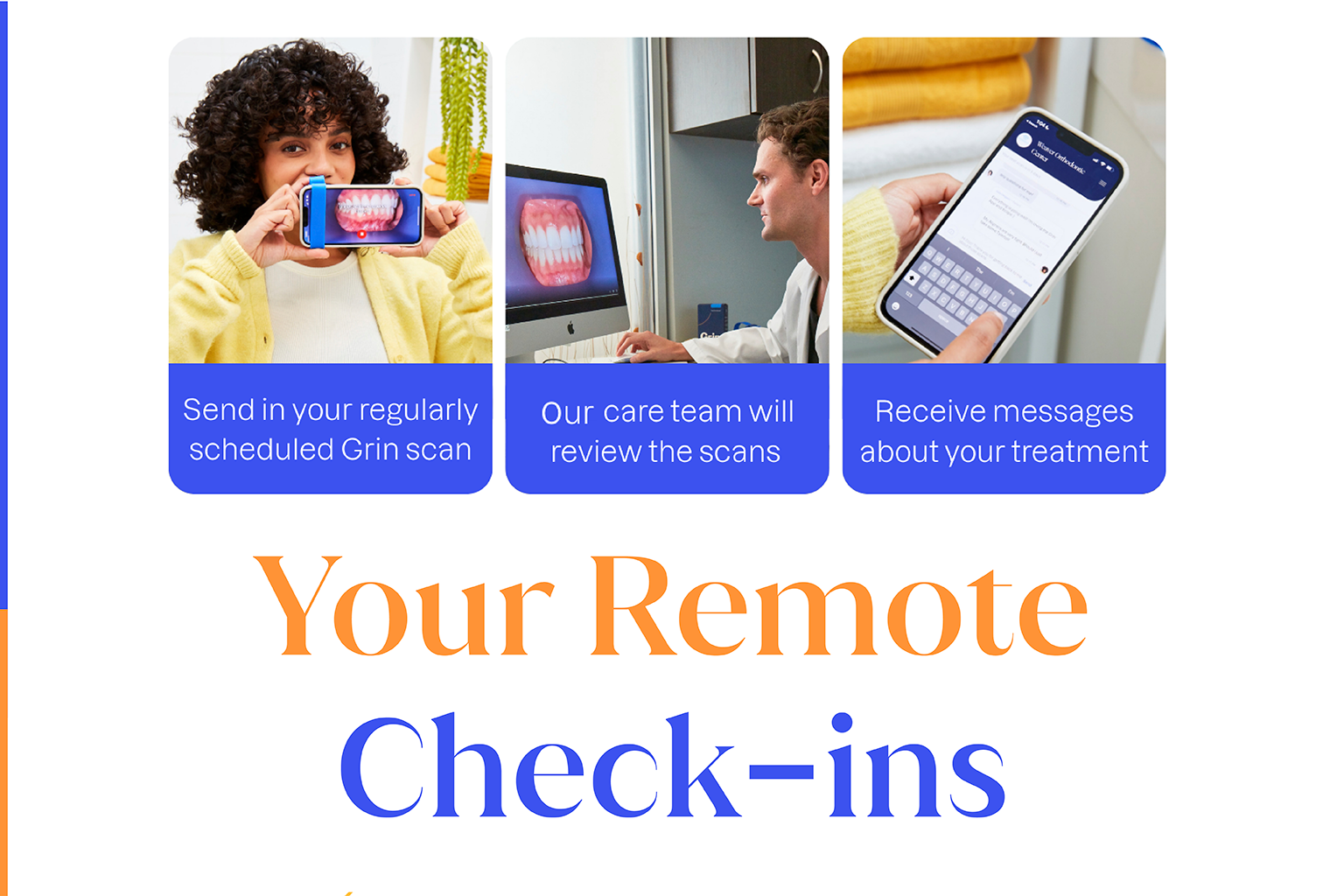
You send us quick scans every 2– 4 weeks
We review everything and guide you virtually
✓ Simple. ✓ Fast. ✓ Convenient.
The Biggest Benefits of Grin at MVP Smiles
Virtual monitoring lets us:
Track tooth movement closely
Catch small issues early
Keep treatment moving on schedule
Answer questions without waiting for your next visit
Fewer trips to the office. More flexibility in your week.
And when you do come in, we already know your progress; which makes your visit faster and more focused.
Smarter care.
More convenience.
Better results.
Let’s make your smile journey smoother and more comfortable. See for yourself what Grin can do at MVP Smiles.
Getting Started with Grin
Download the Grin App
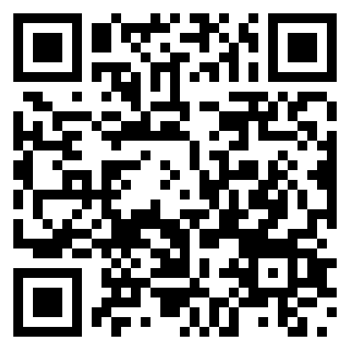
Download the Grin App using the email sent by the team at MVP Smiles. You can also scan the QR code provided to get started, or download it from the Apple App Store or Google Play Store.
Connect Your Scope
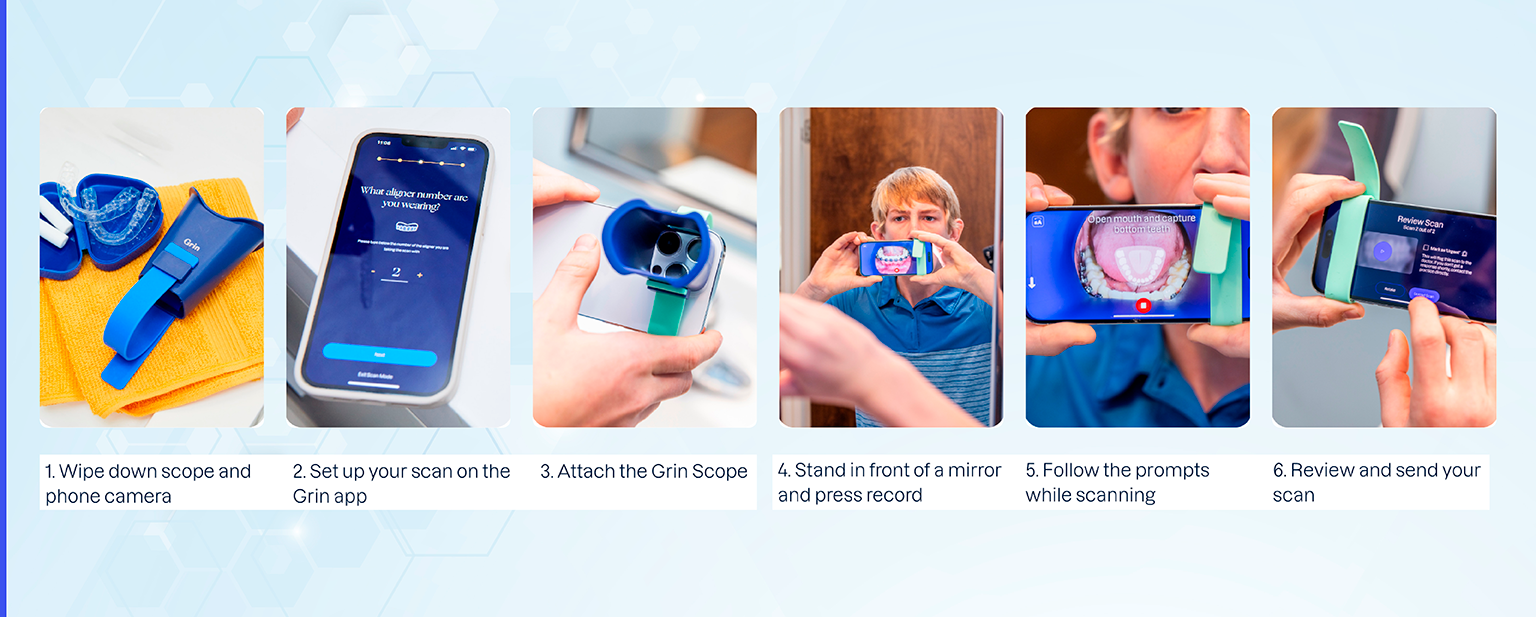
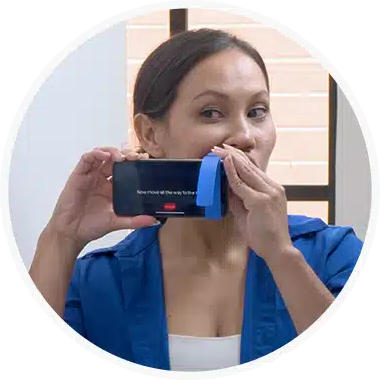
Open the Grin App and follow the on-screen steps. The app will guide you to place the scope over your phone’s camera and secure it using the strap.
Take Your Self-Scan
When you begin a scan, the app will ask you to hold your phone sideways. Stand in front of a mirror, place the scope in your mouth, and follow the instructions to complete your scan.
Stay Connected
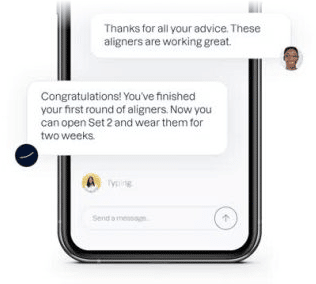
Use the Grin App to send messages or images to our team of dentists anytime. You’ll receive responses directly in the app, making communication quick and easy.